
Questions and answers
How to download, print and use our printables. Cannot find your answer? Write to hello@mossandorder.com.
Buying and downloading
Will anything be shipped to me?
No. Everything in our shop is a digital download. Nothing is mailed, and you print the pages at home or at a print shop.
How do I download my files?
After you pay, Etsy shows a download button straight away and sends you an email. You can find the files again anytime under Purchases and reviews in your Etsy account. Downloading is easiest on a computer or in your phone's web browser.
I cannot find my download. What should I do?
Check that you are signed in to the same Etsy account you bought with, and look under Purchases and reviews. If it is still missing, send us a message on Etsy and we will help.
Can I get a refund?
Digital downloads cannot be returned. But if a file does not open or print right, message us on Etsy and we will fix it or send a new one.
Printing
Which paper size should I choose, A4 or US Letter?
Use US Letter in the United States and Canada, and A4 almost everywhere else. Our printables come in both sizes, and some planners also come in A5 and Half Letter.
How do I print at the right size?
In the print window choose Actual size or 100%, not Fit to page. Then the margins and boxes print exactly as designed.
Which paper works best?
Ordinary printer paper is fine for checklists and planners. For cards, thicker matte paper or light card stock feels nicer and lasts longer.
Can I print a page more than once?
Yes. Print as many copies as you need for your own home and family.
Can I print at a print shop?
Yes. Take the PDF on a USB stick or email it to the print shop, and ask them to print at actual size.
Fillable PDFs and spreadsheets
How do I type into a fillable PDF?
Open the file in a PDF app, for example the free Adobe Acrobat Reader, or Preview on a Mac. Click a field, type and save. Some web browsers show the fields but do not save what you typed.
Can I edit the spreadsheets in Google Sheets?
Yes. Upload the Excel file to Google Drive and open it with Google Sheets. The formulas work in both Excel and Google Sheets.
Excel shows a yellow Protected View bar. What do I do?
Excel opens downloaded files in Protected View to be safe. Click Enable Editing at the top, and you can type into the spreadsheet.
Using our printables
Can I share the files with a friend?
The files are for your own personal use. If a friend likes them, please send them the link to our shop instead.
Can I sell or print the files for others?
No, the printables are for personal use only and may not be resold or shared as files.
Are the free tools on this site really free?
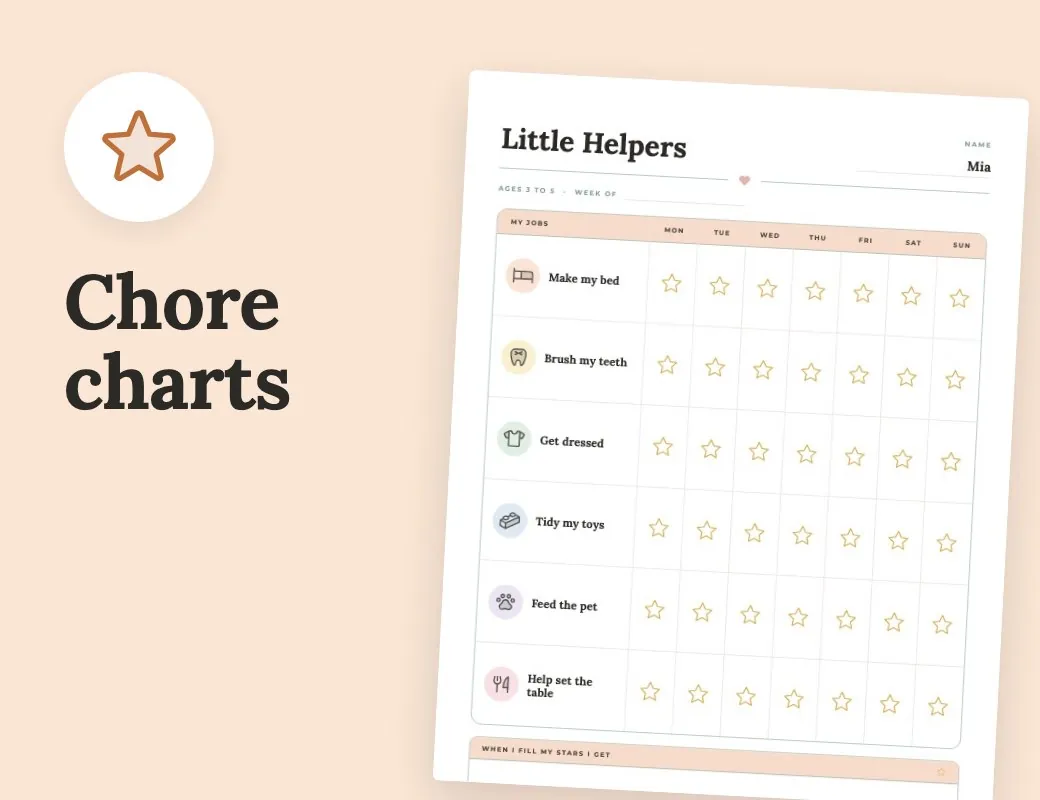
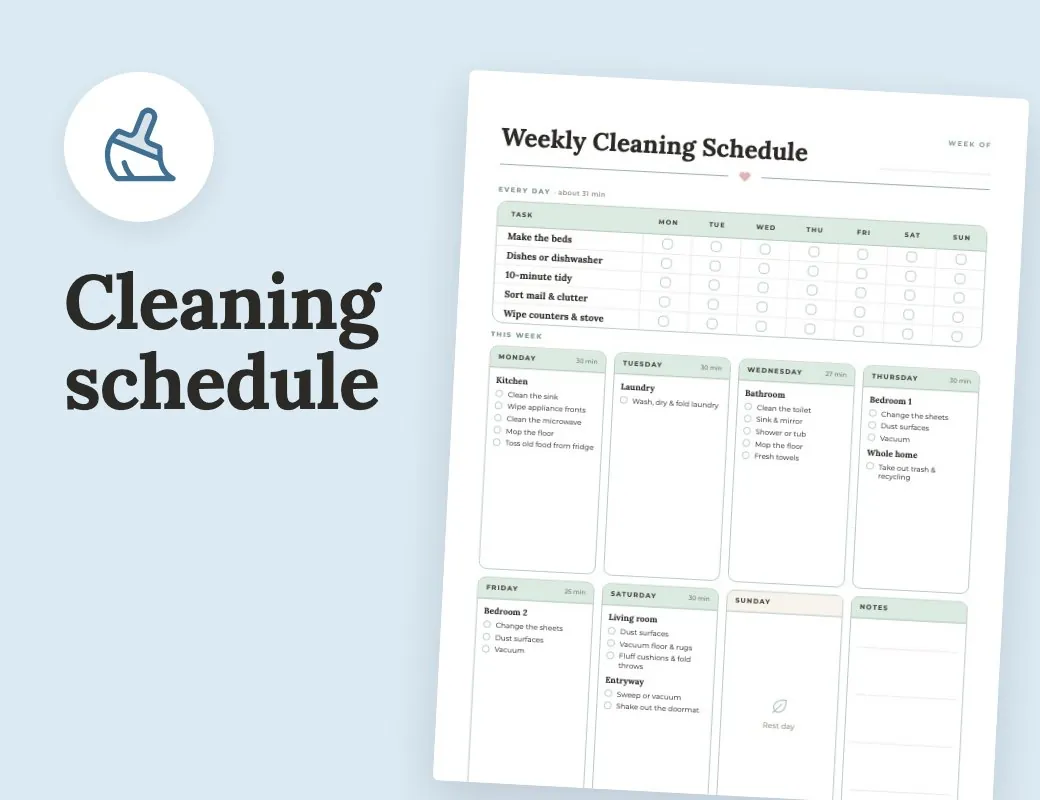
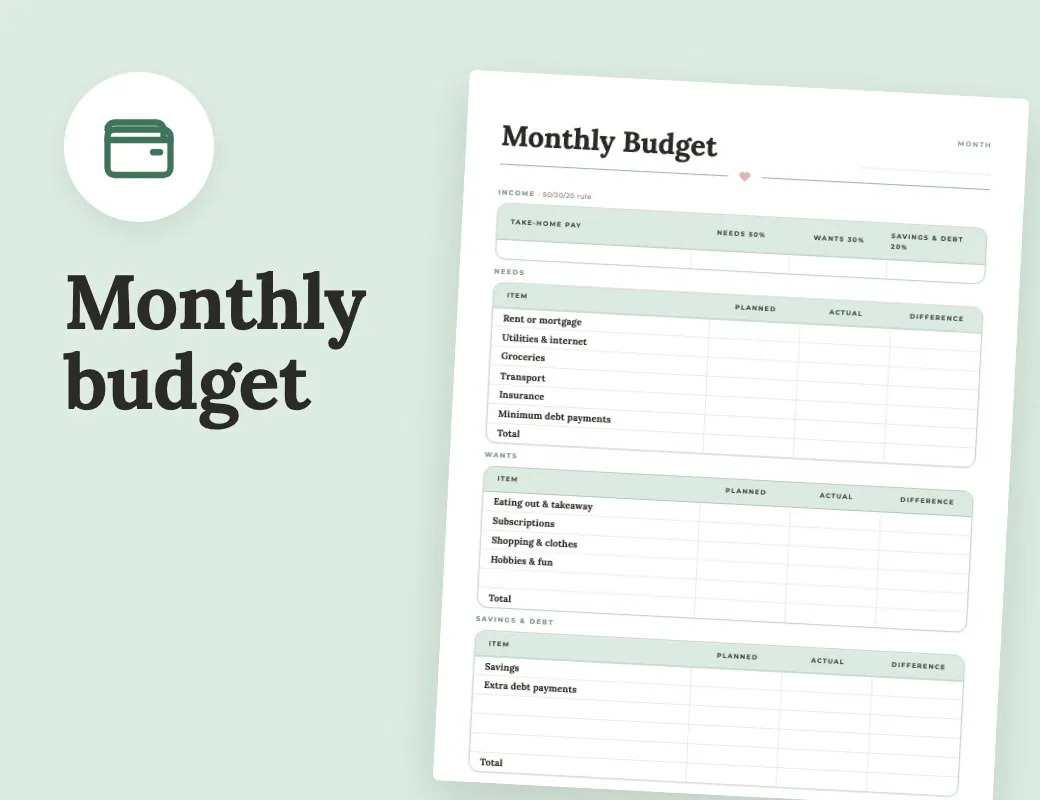
Yes. The chore chart maker, cleaning schedule maker, budget calculators and the other tools are free, with no sign-up needed.
Newsletter and contact
What do I get from the newsletter?
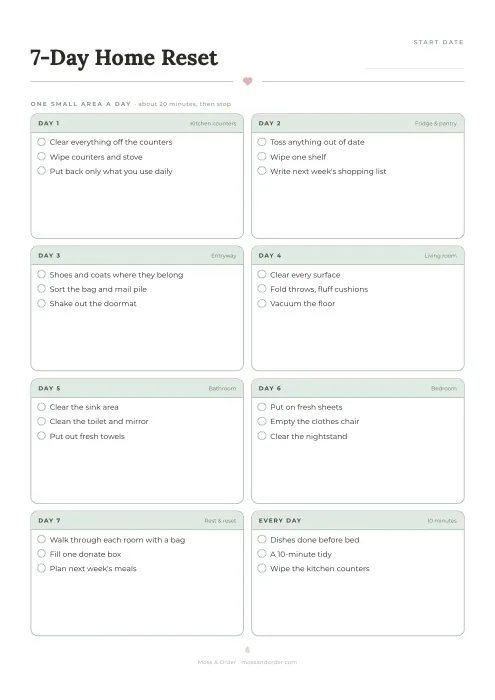
The 7-Day Home Reset printable straight away, then a short home challenge with its own printable every week for a month, and after that one email a month. You can unsubscribe anytime.
How can I contact you?
Write to hello@mossandorder.com or send us a message through our Etsy shop. We read every message.
Shop by topic
Couples printablesCleaning and home printablesBudget printables and spreadsheetsChristmas printables
Get the 7-Day Home Reset
One small area a day for a week, about 20 minutes each, plus a weekly rhythm page to keep it going. We will email it to you straight away, and then a new mini challenge with its own printable every week for a month.
After the weekly challenges you will get one challenge a month. Unsubscribe anytime. See our privacy policy.